

Presentation Coach: Build confidence without memorizing every line
elsaspeakadmin
September 15, 2026
News
Do you feel like every English presentation means staying up late to memorize a script? How can you keep your message clear, stay on point, and answer questions with confidence? Practice with Presentation Coach and build presentation skills you can actually use at work.
What is Presentation Coach?
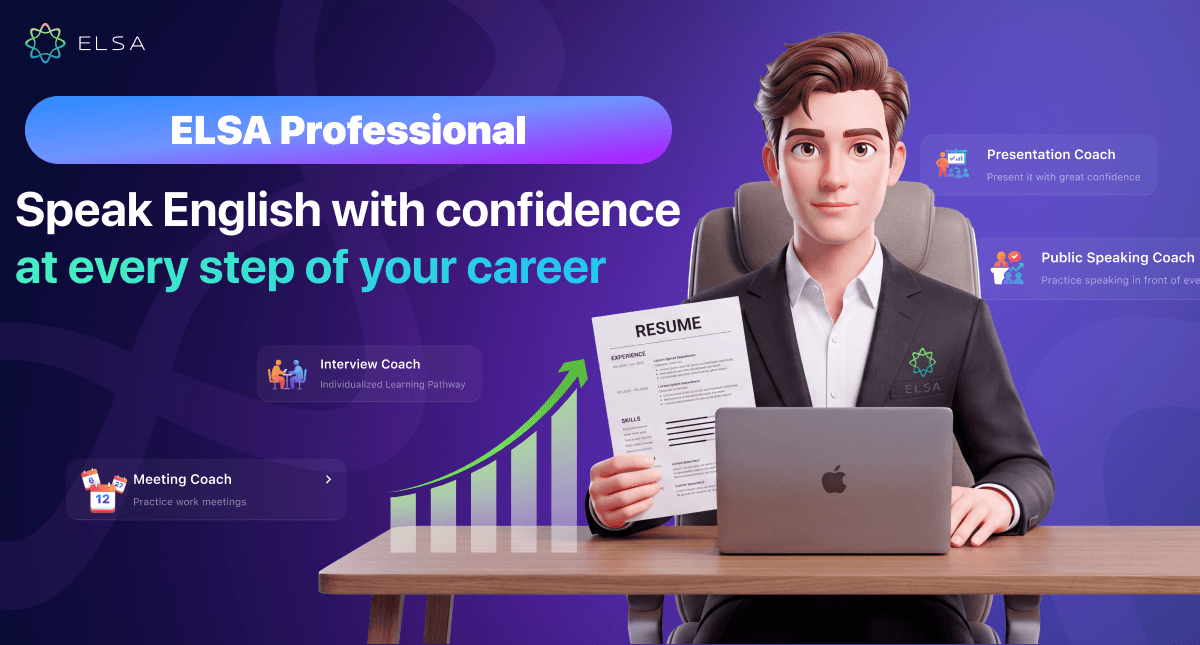
Presentation Coach is an advanced AI presentation tutor included in ELSA Professional. It offers a structured sequence of bite-sized lessons based on international presentation principles, guiding learners from message architecture and streamlined slide design to confident live delivery.
You can upload your own PDF deck and receive AI guidance on each slide while practicing presentation delivery and Audience Q&A. A detailed scoring framework evaluates key presentation competencies, helping professionals refine their message and present more confidently to colleagues, clients, and partners.
Benefits of practicing project presentations with Presentation Coach
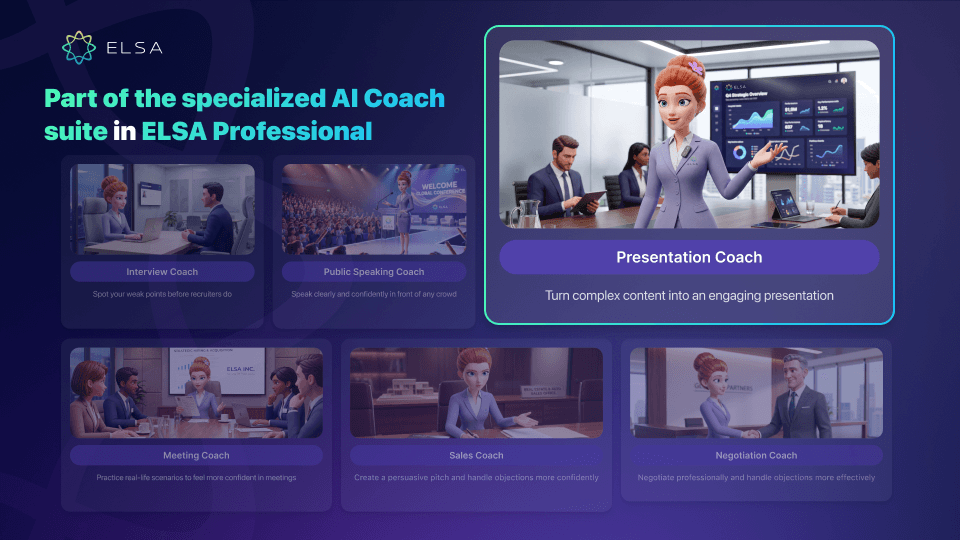
Practicing with Presentation Coach helps professionals improve both presentation thinking and delivery confidence. Key benefits include:
- Master a persuasive structure: Learn the Problem → Solution → Ask framework to communicate ideas in a clear, compelling sequence.
- Simplify slide design: Turn text-heavy slides into focused visual messages that highlight the numbers and insights that matter.
- Build a composed delivery style: Practice smooth slide transitions, control your speaking pace, and sound more natural.
- Rehearse safely with real presentations: Run through actual reports and decks repeatedly without the pressure or risk of a live audience.
Who is Presentation Coach for?
This presentation training tool is designed for people who work or study in English and want to communicate ideas more effectively. It is especially useful for:
- Professionals who regularly present reports, ideas, plans, or projects
- People who struggle to distill their message into a clear takeaway
- Presenters who tend to read text directly from their slides
- Students preparing for English-language presentations
Presentation Coach features
Presentation Coach supports the full presentation journey—from structuring ideas and designing slides to rehearsing delivery and responding to questions. Each feature is designed to build practical confidence.
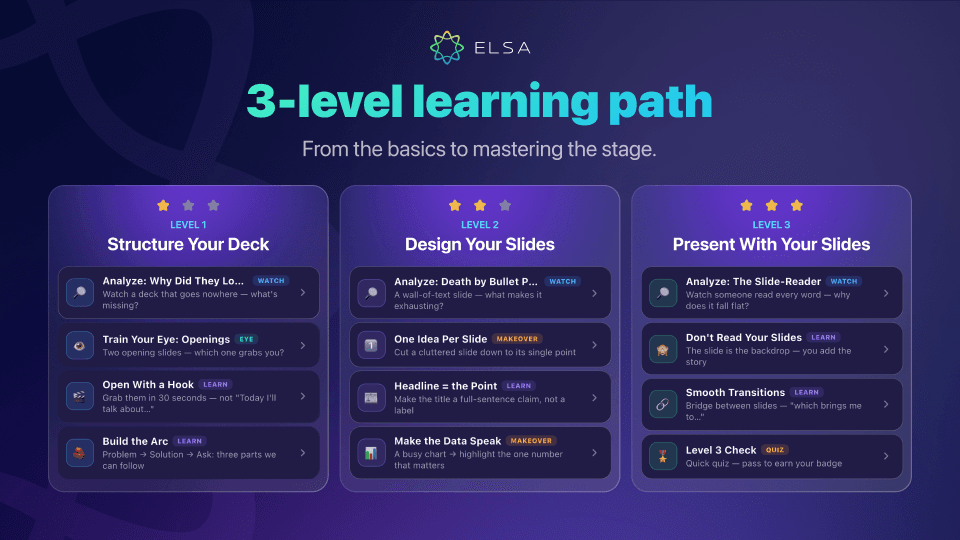
A 3-level path from presentation fundamentals to confident delivery
The training path is divided into three clear stages that correspond to the core capabilities of an effective presenter:
| Level | Primary focus | What you learn |
| Level 1 - Structure Your Deck | Build a clear presentation structure | Identify One Message, create a compelling 30-second Hook, build a Problem - Solution - Ask arc, and finish with a decisive close. |
| Level 2 - Design Your Slides | Develop modern slide-design thinking | Kill the Bullets, turn titles into assertion headlines, and visualize charts and data more clearly. |
| Level 3 - Present With Your Slides | Deliver professionally | Stop reading from slides, use Smooth Transitions, manage speaking pace, and maintain eye contact. |
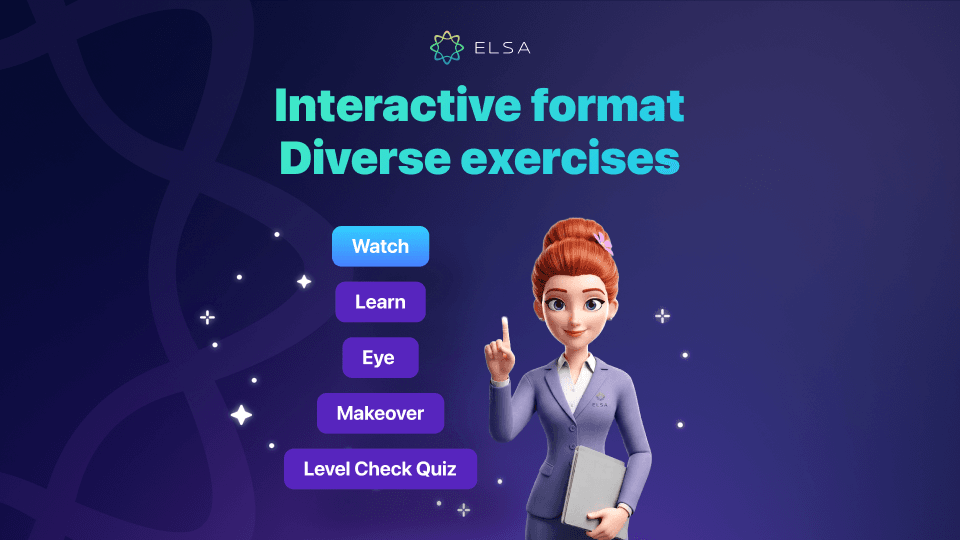
Interactive learning formats
Instead of relying on one-way theory, Presentation Coach uses a range of interactive exercises to make presentation principles easier to absorb and apply:
- Watch / Analyze: Review weak openings and identify why they lose the audience.
- Learn: Study core principles for distilling a presentation into one clear message.
- Eye / Ear Training: Compare two openings or transition lines and choose the stronger option.
- Makeover: Transform cluttered, text-heavy slides into cleaner, more focused versions.
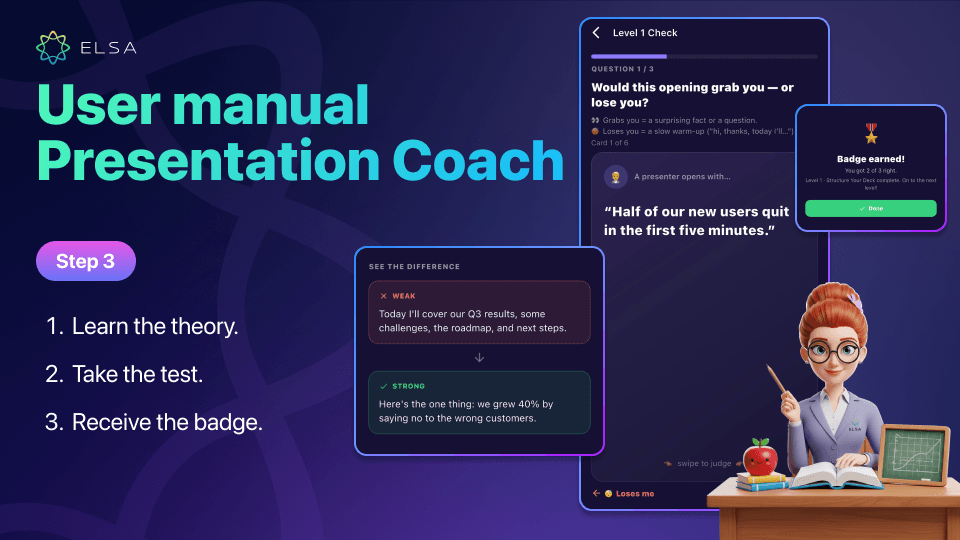
- Level Check Quiz: Complete swipe-card quizzes and sequencing exercises to earn a level badge.
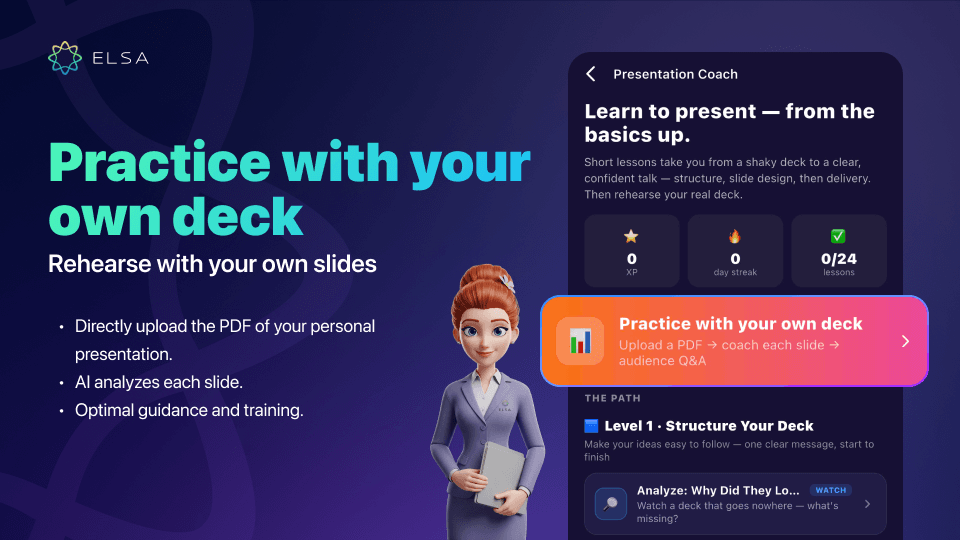
Practice with your own deck
This feature brings your real work materials into the training environment, making it especially useful when preparing for an important presentation:
- Upload your own presentation as a PDF directly to the app. The system processes the deck and supports practice slide by slide.
- AI reviews each slide, highlights what works, identifies content that could be reduced, and suggests useful speaking lines. You can rehearse each slide and then practice an Audience Q&A with AI-generated questions.
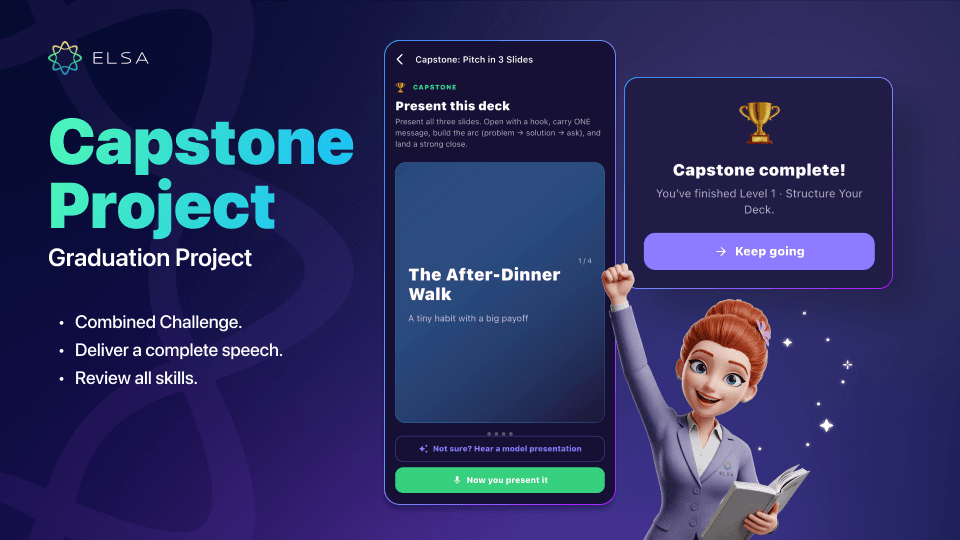
Capstone Project
The Capstone Project brings together the skills from the course and lets learners demonstrate a complete presentation before finishing the program:
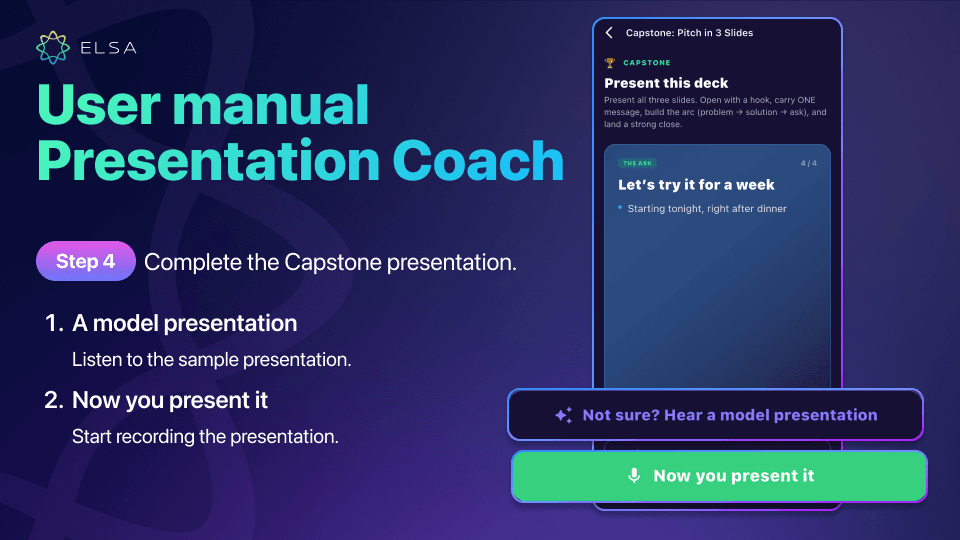
- Present a polished 3- to 4-slide sample deck. Before presenting yourself, you can listen to A model presentation with slide changes synchronized to the narration.
- When ready, tap the microphone to record the full presentation in real time. Your words and delivery are captured for the scoring stage.
In-depth presentation scoring
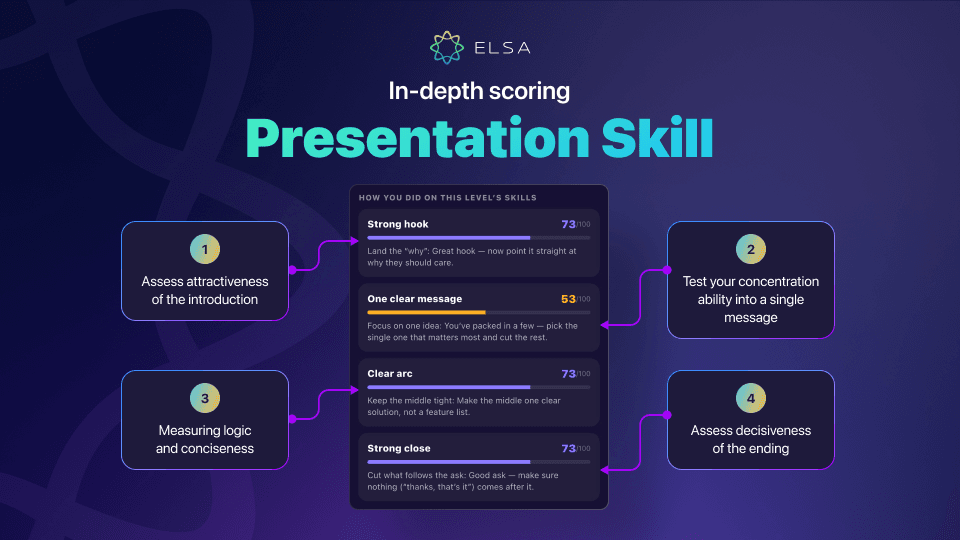
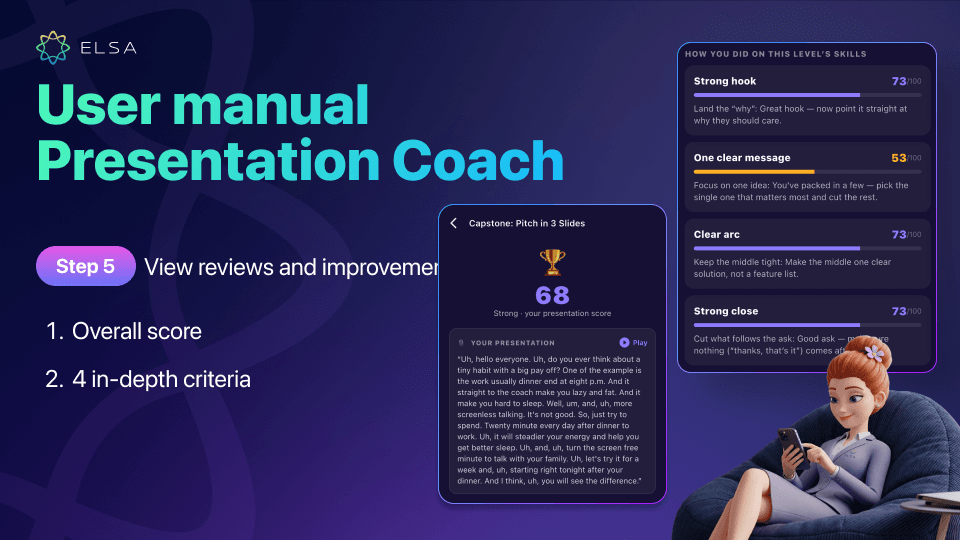
The post-practice report gives you a detailed, measurable view of performance. An overall Presentation Score and rating such as Strong help you understand your current level:
| Criterion | Maximum score | What it evaluates |
| Strong Hook | 100 | How engaging the opening is and whether it gives the audience a reason to care. |
| One Clear Message | 100 | How well the presentation stays focused on one core message and removes unnecessary points. |
| Clear Arc | 100 | How logical and concise the body is, following the Problem - Solution - Ask flow. |
| Strong Close | 100 | How decisively the presentation ends and whether it includes a clear call to action. |
The system also provides a full Transcript with audio playback. You can listen to your own delivery while reviewing AI feedback, making it easier to pinpoint what to improve.
Which plan includes Presentation Coach?
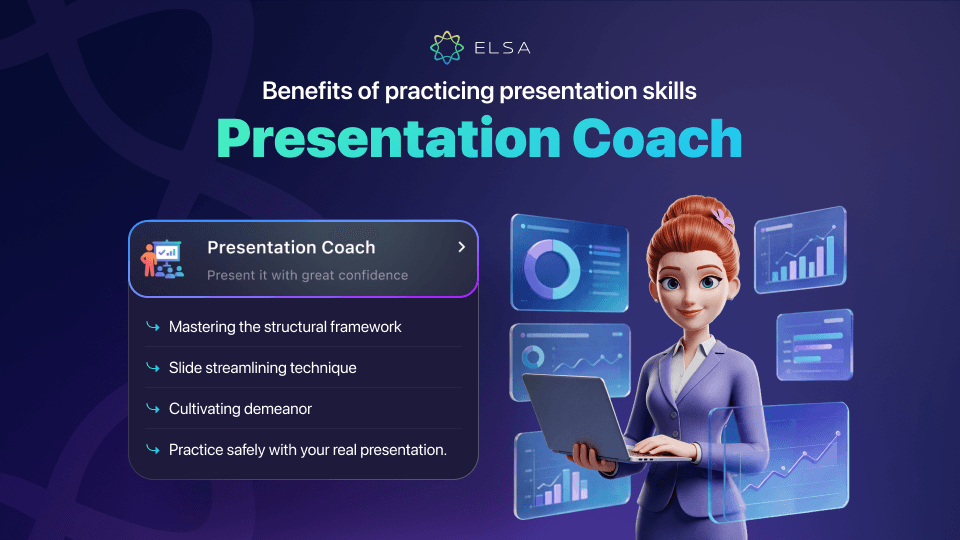
Presentation Coach is fully unlocked in ELSA Professional as part of the advanced Professional Coach suite and is currently not sold separately. To access the complete feature set, learners need to upgrade to the ELSA Professional plan.
How to use Presentation Coach
Getting started with AI-powered presentation practice is straightforward on the mobile app. You can follow the structured learning path or practice immediately with your own slides.
Quick start
|
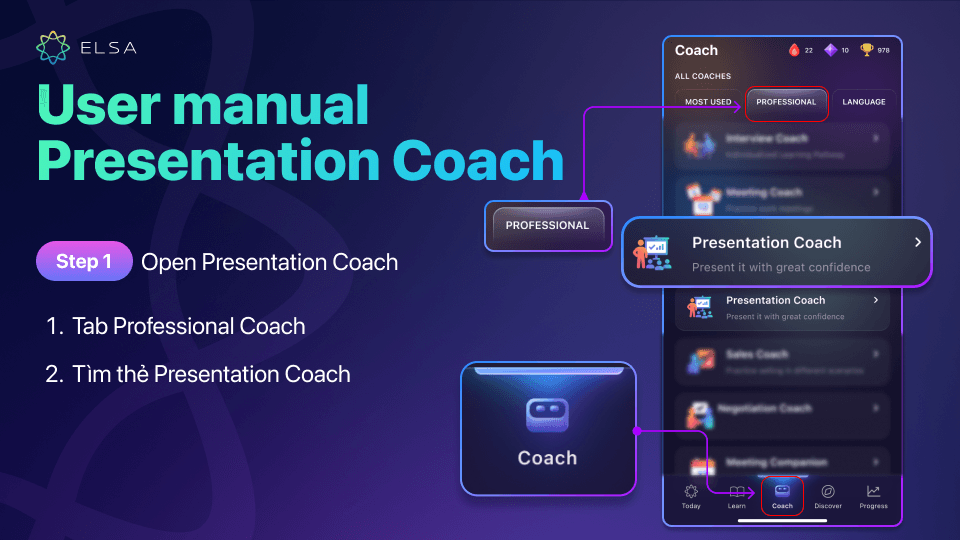
Step 1: Open Presentation Coach
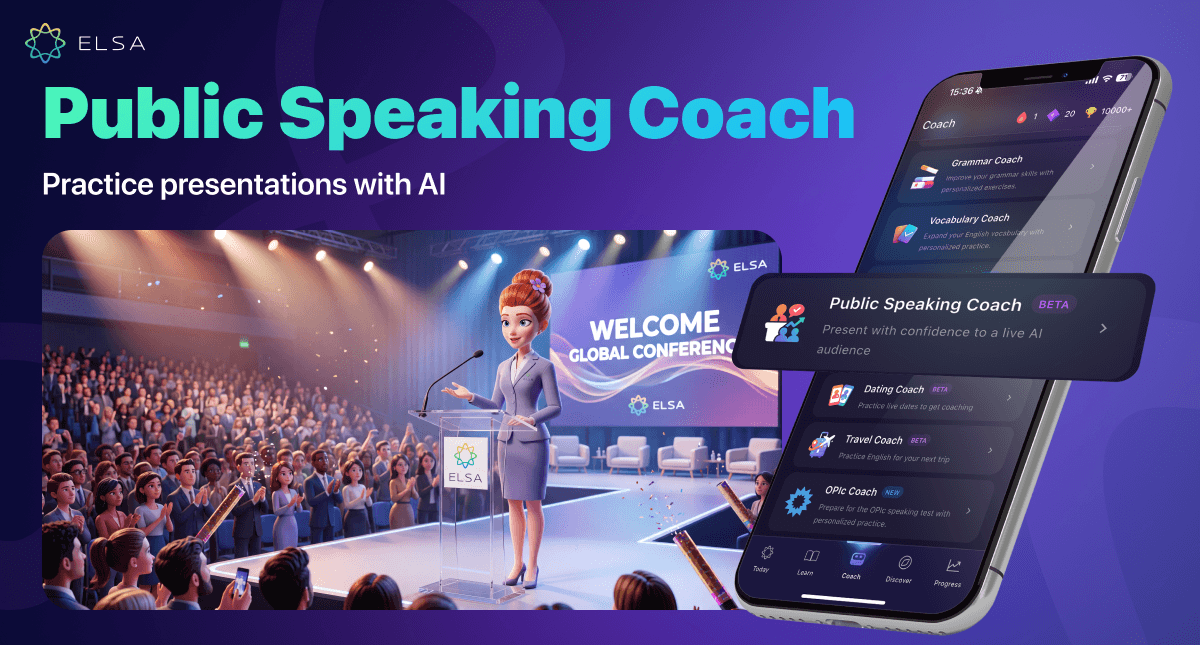
Open ELSA Speak and select the Coach tab in the bottom navigation. Choose Professional, then tap Presentation Coach to enter the learning space.
Step 2: Follow the learning path or upload your own slides
Whether you’re building your presentation skills from the ground up or preparing for an upcoming real-world presentation:
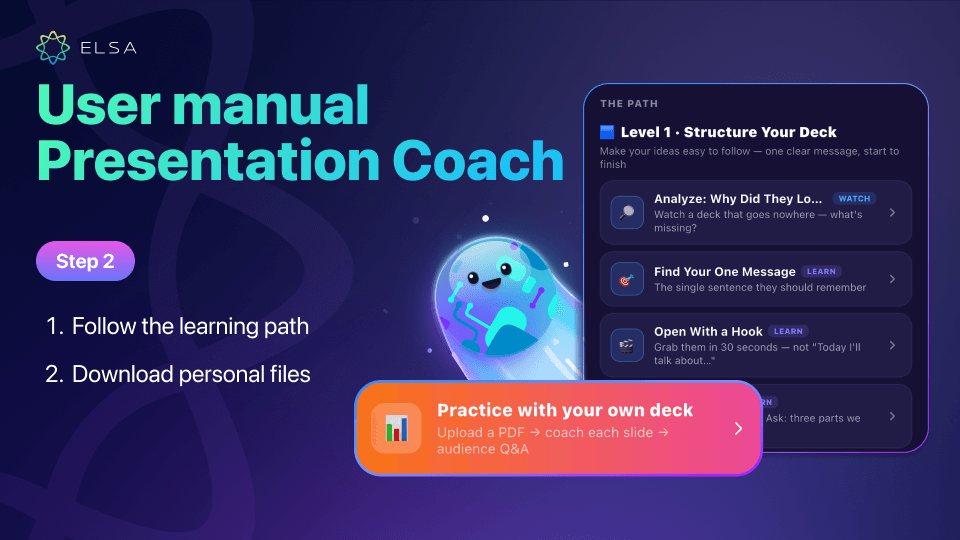
- Choose The Path and complete Level 1 through Level 3 to build presentation fundamentals step by step.
- If you are preparing for an upcoming real-world presentation, tap Practice with your own deck and upload your PDF slide file.
Step 3: Learn the concepts and complete the Level Check
Work through video analysis, listening practice, transition-selection exercises, and Makeover activities for text-heavy slides. After completing the lessons, take the Level Check Quiz to earn the corresponding level badge.
Step 4: Complete the Capstone or rehearse your deck
Listen to a model presentation first if you want to study pacing, pauses, and intonation. Then tap Now you present it to record your presentation and continue into Audience Q&A with AI-generated challenge questions.
Step 5: Review feedback and refine your presentation
Check your overall score and detailed feedback across all four presentation criteria. Tap Present again to rehearse until the message and delivery meet your goal.
>> Explore other AI coaches available in ELSA Professional:
You no longer need to rely on memorizing every sentence or struggle through hesitant delivery in front of managers, clients, or partners. Instead of mechanically reading slides, Presentation Coach helps you build a logical message and deliver it with greater confidence.
Turn every presentation or project report into an opportunity to demonstrate your expertise and move your career forward. Subscribe to ELSA Professional in the ELSA Speak app to unlock this AI-powered presentation coaching toolkit.